

Why you need a password manager in 2026
Managing dozens of unique passwords for different accounts can feel overwhelming. That is where password managers come in, making your digital life much simpler and more secure.
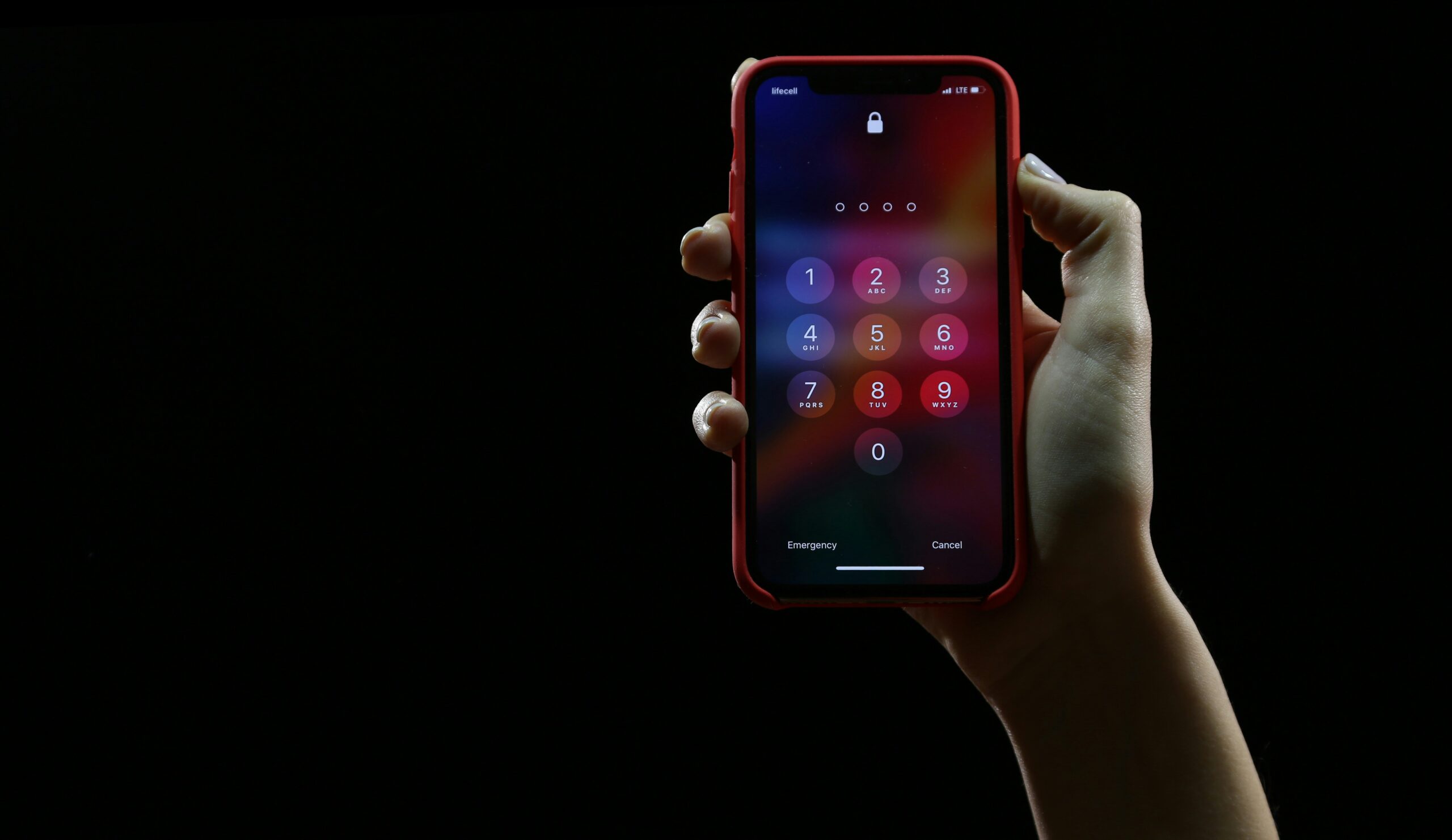
What is a password manager
A password manager is a secure application that stores all your passwords in an encrypted vault. You only need to remember one master password to access all your other passwords.
Benefits of using a password manager
Strong, unique passwords
Password managers can generate random, complex passwords for every account. These passwords are far more secure than passwords you might create on your own. For quick password generation without a full manager, you can also use tools like Lock.pw to create secure passwords instantly.
Automatic filling
Most password managers automatically fill in your login credentials when you visit websites. This saves time and prevents you from falling for fake login pages.
Cross device sync
Your passwords sync across all your devices, so you can access them from your phone, tablet, or computer.
Security alerts
Many password managers alert you if a website you use has been breached, so you can change your password immediately.
Choosing the right password manager
When selecting a password manager, consider these factors:
- Security: Look for end to end encryption and zero knowledge architecture
- Ease of use: The interface should be intuitive and easy to navigate
- Features: Check for features like password generation, auto fill, and breach monitoring
- Price: Compare free and paid options to find one that fits your budget
Alternative: Quick password generation
If you are not ready for a full password manager, Lock.pw offers a simple solution. You can generate strong, random passwords in seconds without installing any software. This is perfect for creating new passwords when signing up for accounts or updating existing ones.
Getting started with a password manager
Choose your password manager
Research different options and choose one that meets your needs. Popular choices include LastPass, 1Password, Bitwarden, and Dashlane.
Create your master password
Your master password should be strong and memorable. Consider using a passphrase made of random words.
Import your existing passwords
Most password managers can import passwords from your browser or a CSV file.
Start updating your passwords
Gradually update your passwords for important accounts, letting the password manager generate new, secure passwords. You can also use Lock.pw to generate passwords for accounts that are not yet in your manager.
Conclusion
A password manager is one of the best investments you can make for your online security. It simplifies password management while significantly improving your security posture. Start using a password manager today and enjoy peace of mind knowing your accounts are better protected. For quick password needs, visit Lock.pw to generate secure passwords instantly.